The media looper is the perfect utility for any streamer. It can replace a sponsorship banner, social media popup, and playlist source.
It allows you to show videos and images on your stream in a playlist while adding a delay in-between each file or after the entire playlist.
Video Tutorial
Setting up the Media Looper
-
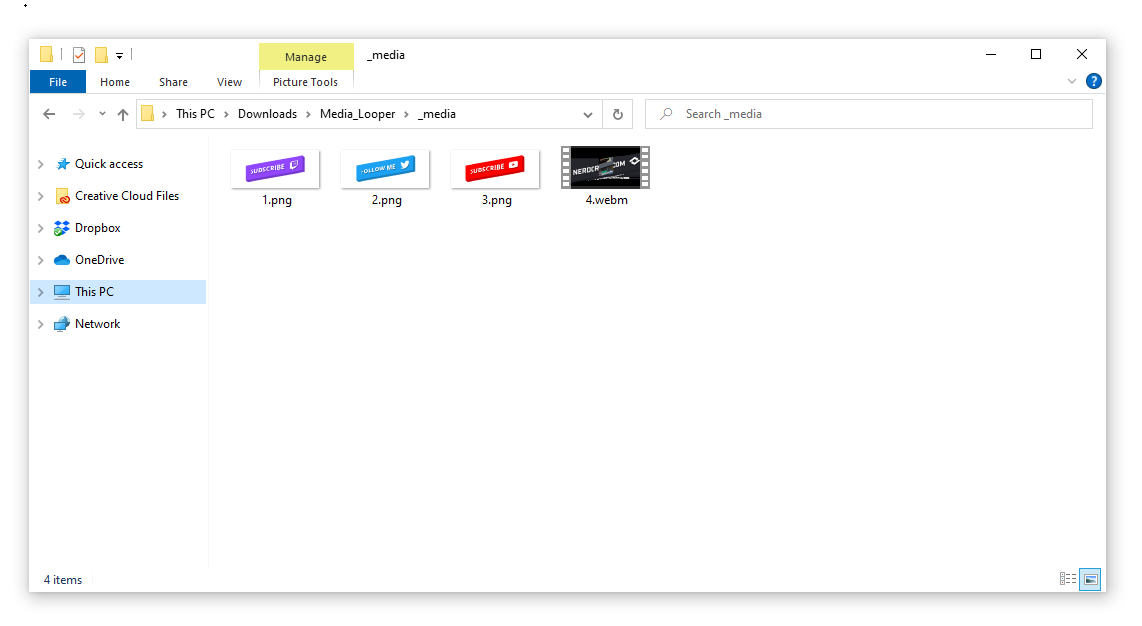
Drop the files you want looped into the _media folder
-
Name the files with just a number, in order you want them to play (lowest first)
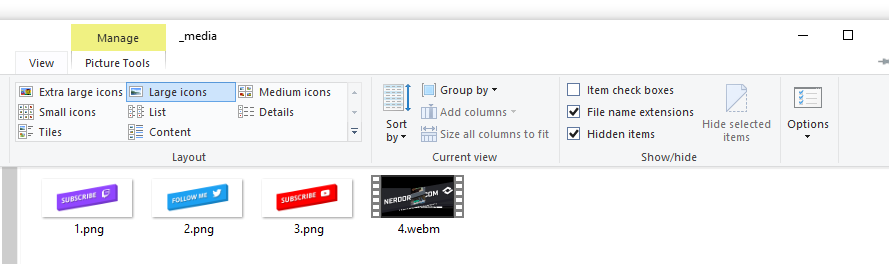
We recommending selecting View > File Name Extensions in your folder explorer. Ensure your file names are similar to 1.png 2.webm 3.mp4 etc.
-
In your streaming software add a browser source
-
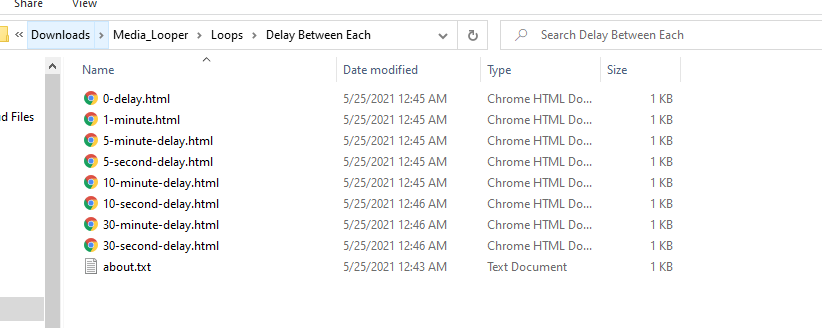
Select the Local File option and choose the HTML file found in the Loops folder > Type of Loop You Want to Use. The file names represent the amount of delay between the loop type.
>
-
Adjust the width and height of the source as needed, and hit okay
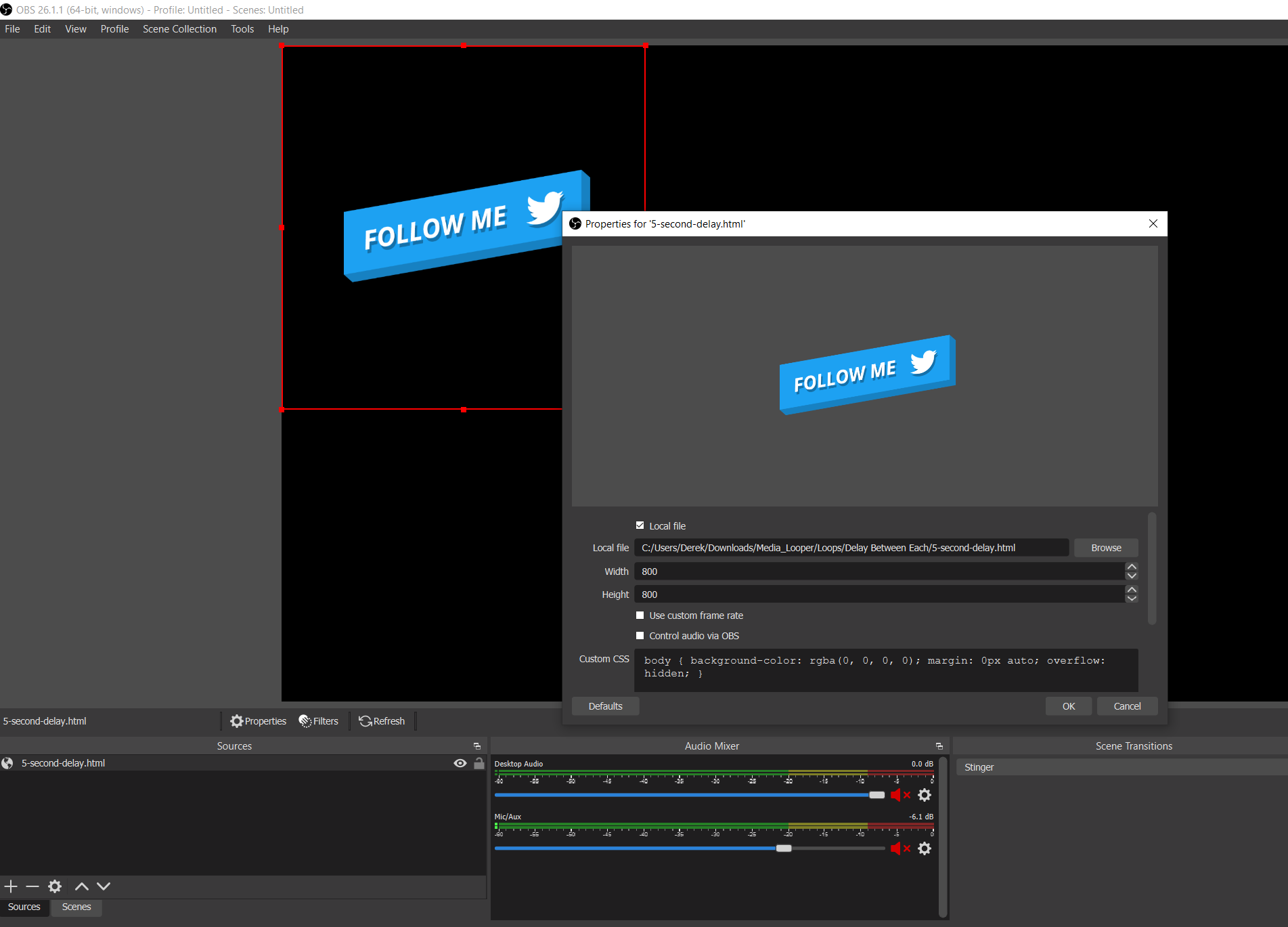
- Enjoy!
Loop Types
There are currently two loop types.
Delay Between Each - will have a delay after each media is shown. Ex. video > delay > image > delay > image > delay > loop
Play All - Then Delay- will play all media in a row and then delay. Ex. video > image > image > delay > loop
Files and Software Supported
File Types
- .webm
- .mp4
- .gif
- .png
- .jpg
- .jpeg
Software
- OBS Studio
- Streamlabs OBS
- XSplit
- SE.Live
Other Options
You can set the duration for the images to stay on screen in the _options folder by changing
the number in the image-duration.txt file. Use only a number in your text file.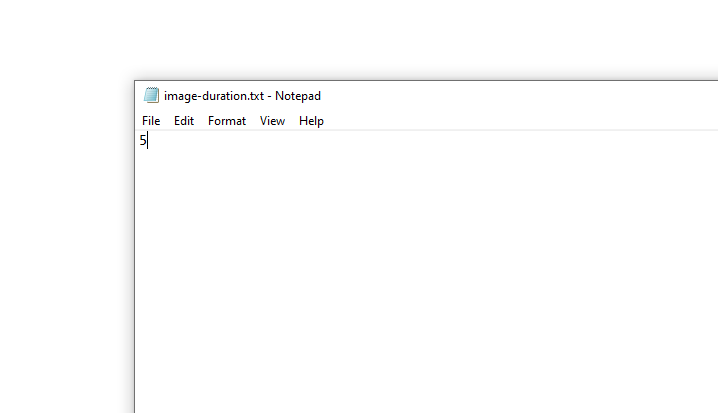
Updated
Comments
1 comment
Thanks :)
Please sign in to leave a comment.